 B2BROKER
 B2Core
 B2Core IB
 B2CONNECT
 B2BINPAY
 B2BROKER
How to update personal information in your profile
Learn how to update your personal information and understand how these changes affect your verification level
You can update your personal information, such as your first name, last name, and date of birth, from the Profile menu in the B2CORE UI if any of these details need to be changed.
Updating your personal information resets your verification level. You will need to complete the KYC procedure again and submit documents confirming your updated personal details to restore your verification level.
To update your personal information:
In the B2CORE UI, navigate to Profile > Profile Info.
The names of menu items and other UI elements depend on your broker’s configuration and may differ from those shown in this guide.
In the Profile info section, click Update.
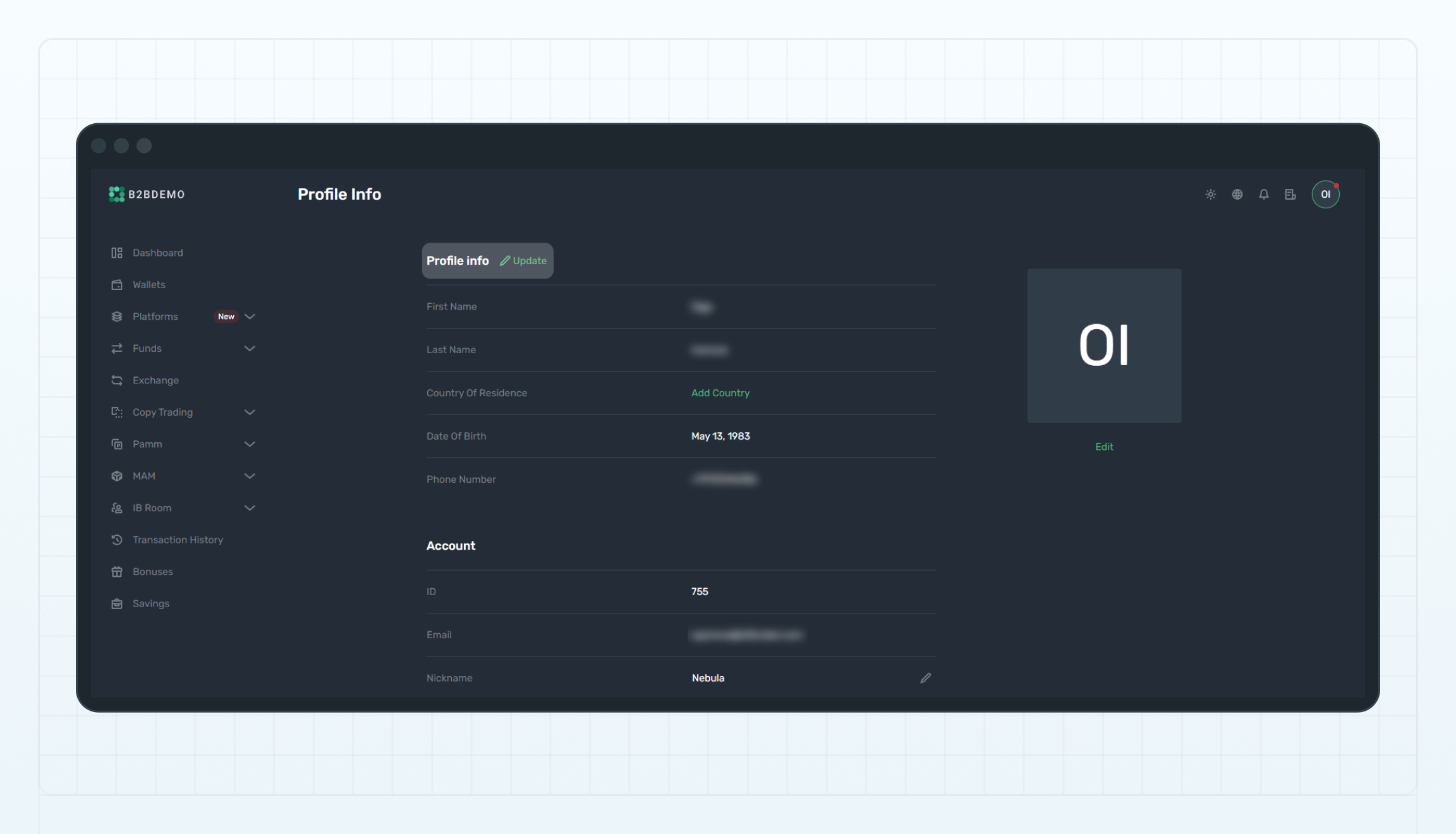
Update personal info
Confirm your action in the displayed popup.
In the Update personal data popup, edit one or more of the following fields:
- First name
- Last name
- Date of birth
Click Save to apply the changes.
Your personal information will be updated, and your verification level will be reset. To restore your verification level, you must complete the KYC procedure again and submit documents confirming your updated personal information.
Last updated on
Manage your profile
Manage your profile settings in the B2CORE UI, including personal information, country and address details, security settings, and passwords
How to update your country and address details
Learn how to update your country and address details and understand how these changes affect your verification level