 B2BROKER
 B2Core
 B2Core IB
 B2CONNECT
 B2BINPAY
 B2BROKER
How to reset or change your profile password
Learn how to reset or change your profile password
Reset a forgotten password
If you’ve forgotten your profile password, you can reset it on the Sign In page of the B2CORE UI or app by clicking the Forgot your password? link. Enter your email address, receive a verification code, and set a new password.
Change your password
It’s recommended that you change your password periodically to keep your profile secure.
To change your profile password:
In the B2CORE UI or app, navigate to Profile > Security.
In the Password section, you can see the date when your password was last changed.
Click Change password.
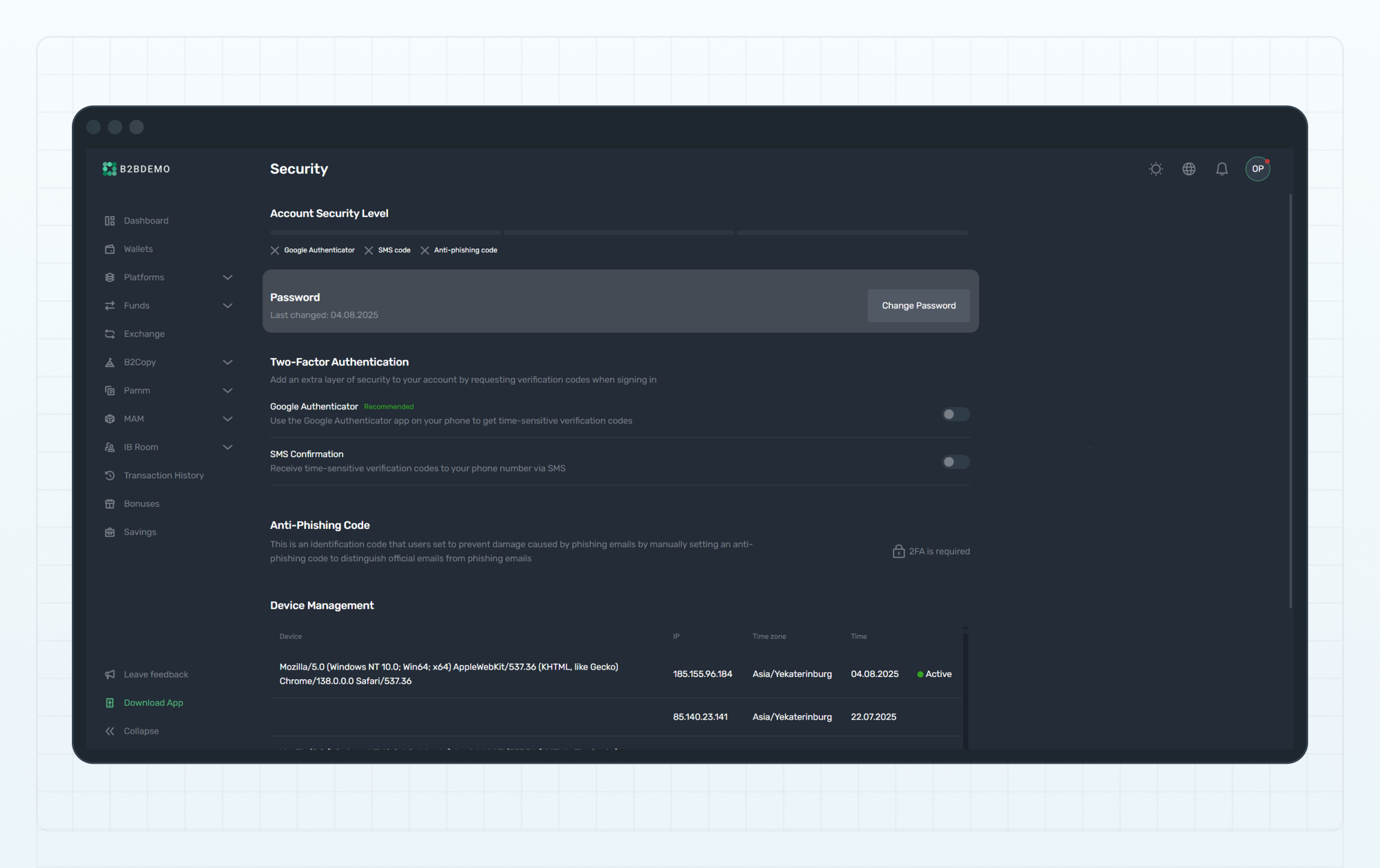
Change password
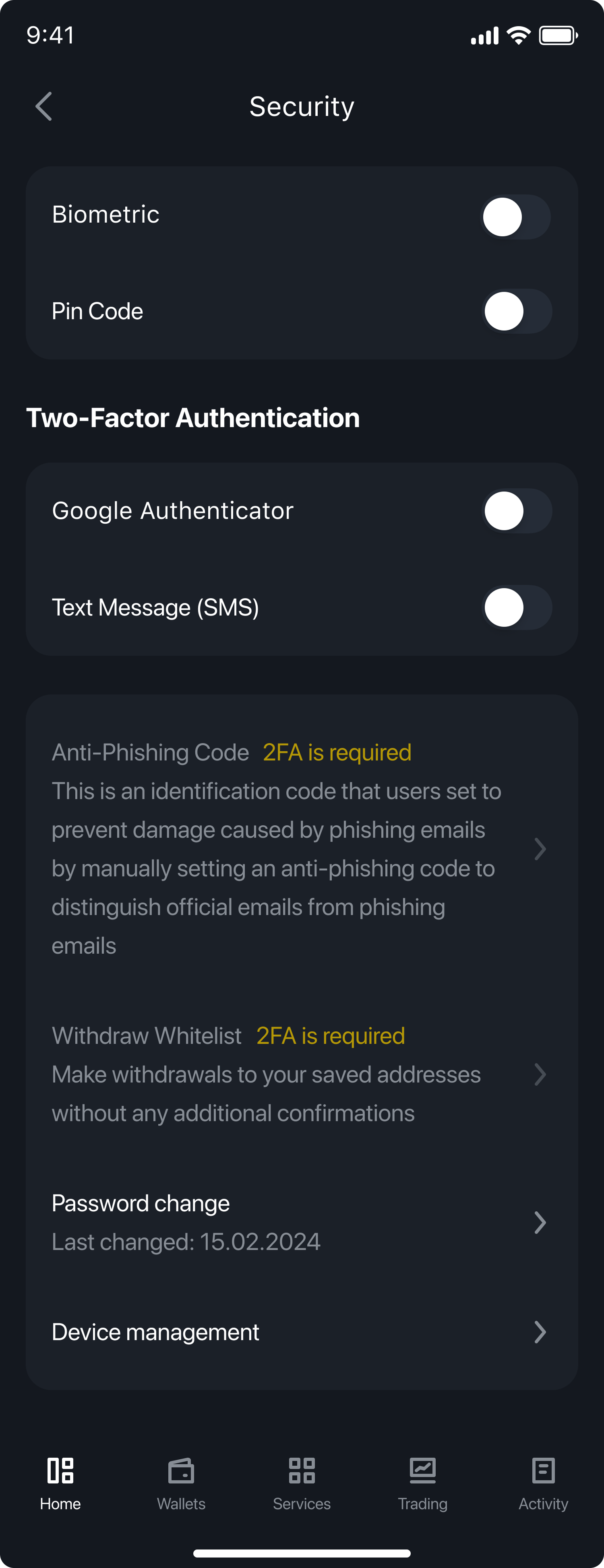
Change password
Enter the verification code sent to your email, or use a 2FA code if two-factor authentication is enabled for your profile.
Set a new password for your profile following the password rules.
After setting a new password, you'll be signed out of your profile and will need to sign in again using the new password.
Last updated on
How to secure your profile using 2FA
Learn how to enable 2FA via app or SMS to protect your profile from unauthorized access
Manage your finances
Learn how to deposit and withdraw money, transfer and exchange funds, send funds to other clients, manage withdrawal whitelists, and view your transaction history